You write. Katav formats.
The writing module that follows ABNT, APA or your institution's rules while you write, keeps your sources and citations in order, and exports a paper that is ready to hand in.
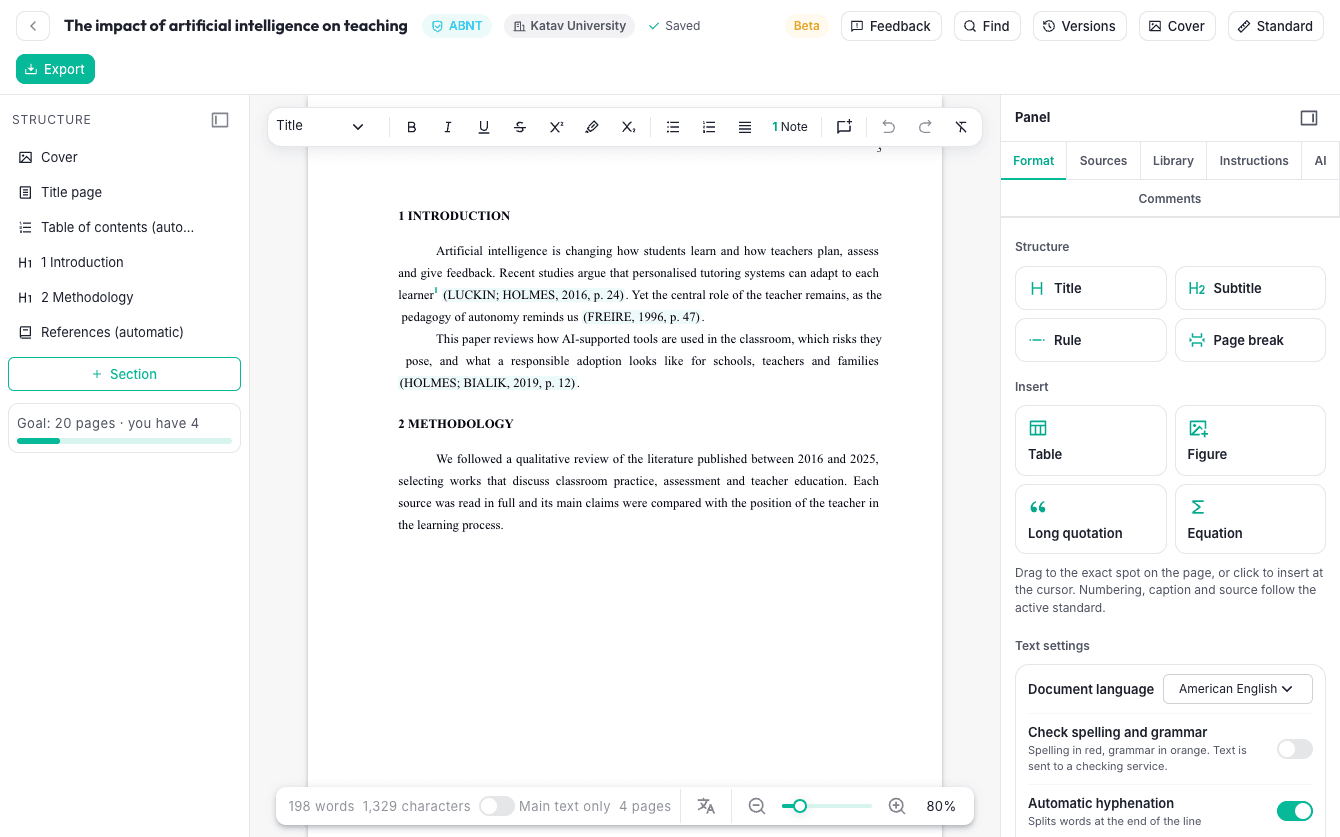
From the first paragraph to the final file
Write on real pages
Pages as they will print: numbering, footnotes at the foot of the page that cites them, table of contents, cover and bibliography. Fonts, margins and spacing follow the standard for you.
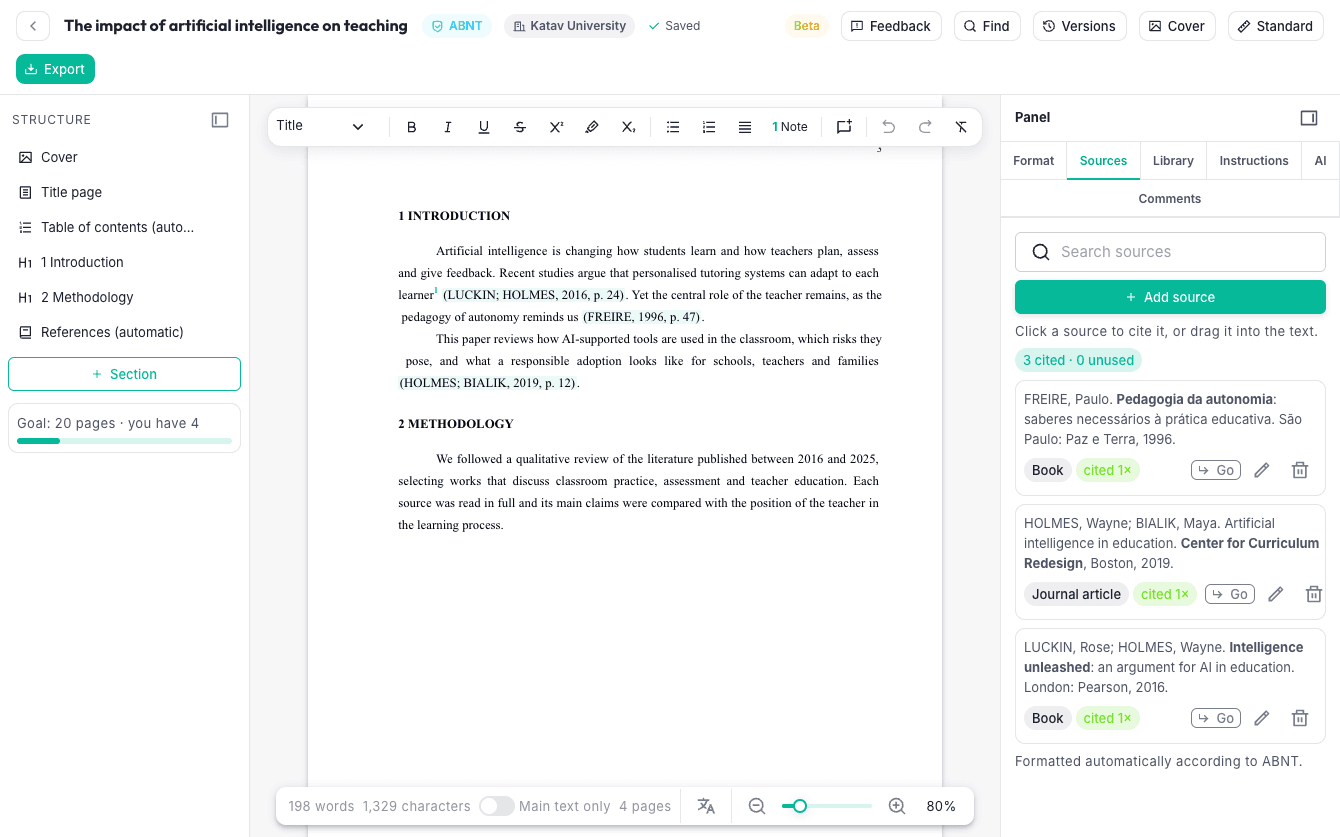
Sources and citations that format themselves
Drag a source into the text or cite it with page and prefix. The reference list is formatted by the standard and shows what is cited and what is not, with a button to jump to each citation.
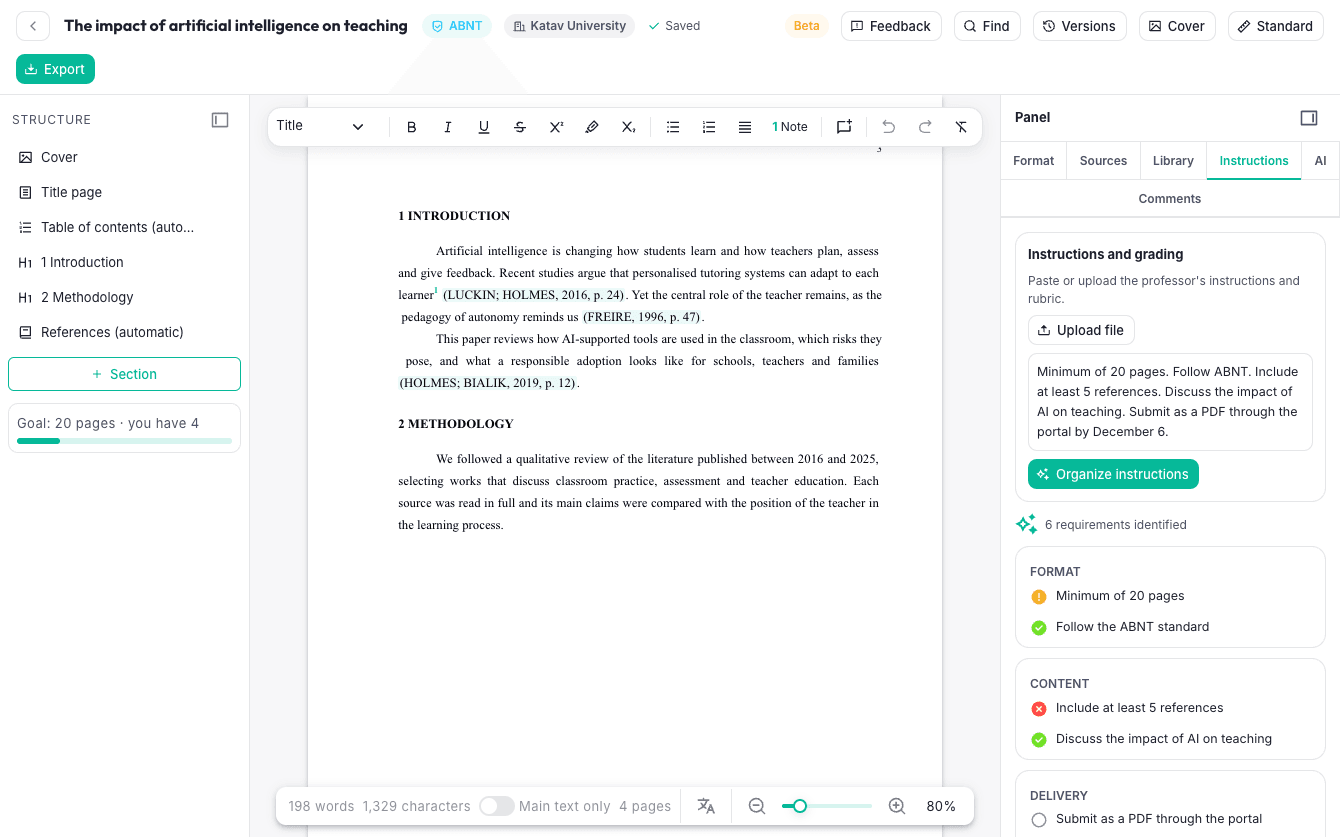
Your professor's instructions, as a checklist
Paste or upload the instructions. The AI organizes them into a list, and one click checks the paper: followed, partial or missing. Grade, delivery and deadlines in the same place.
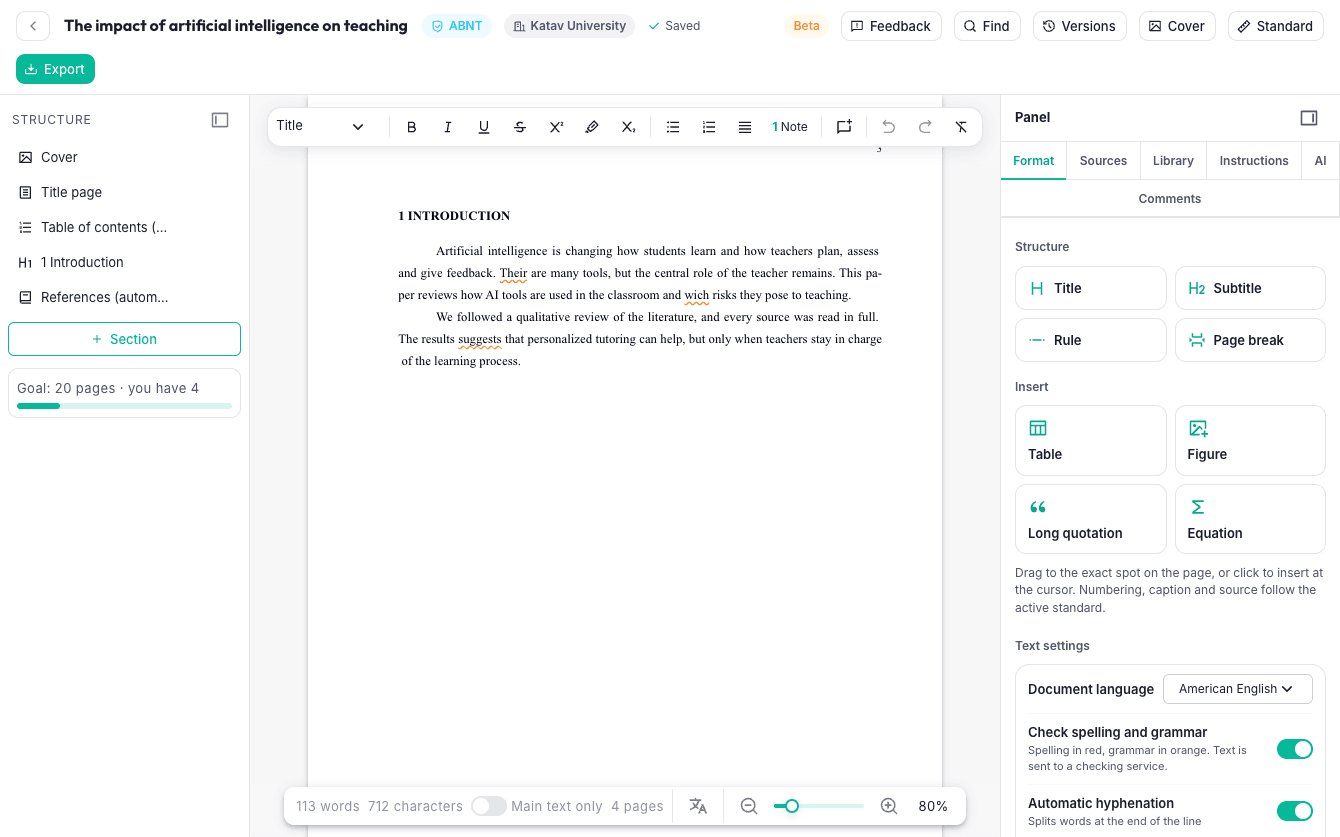
Spelling and grammar in 50 languages
Word-style underlines — red for spelling, orange for grammar — a personal dictionary, and a language for each passage, so a quotation in another language is checked in that language.
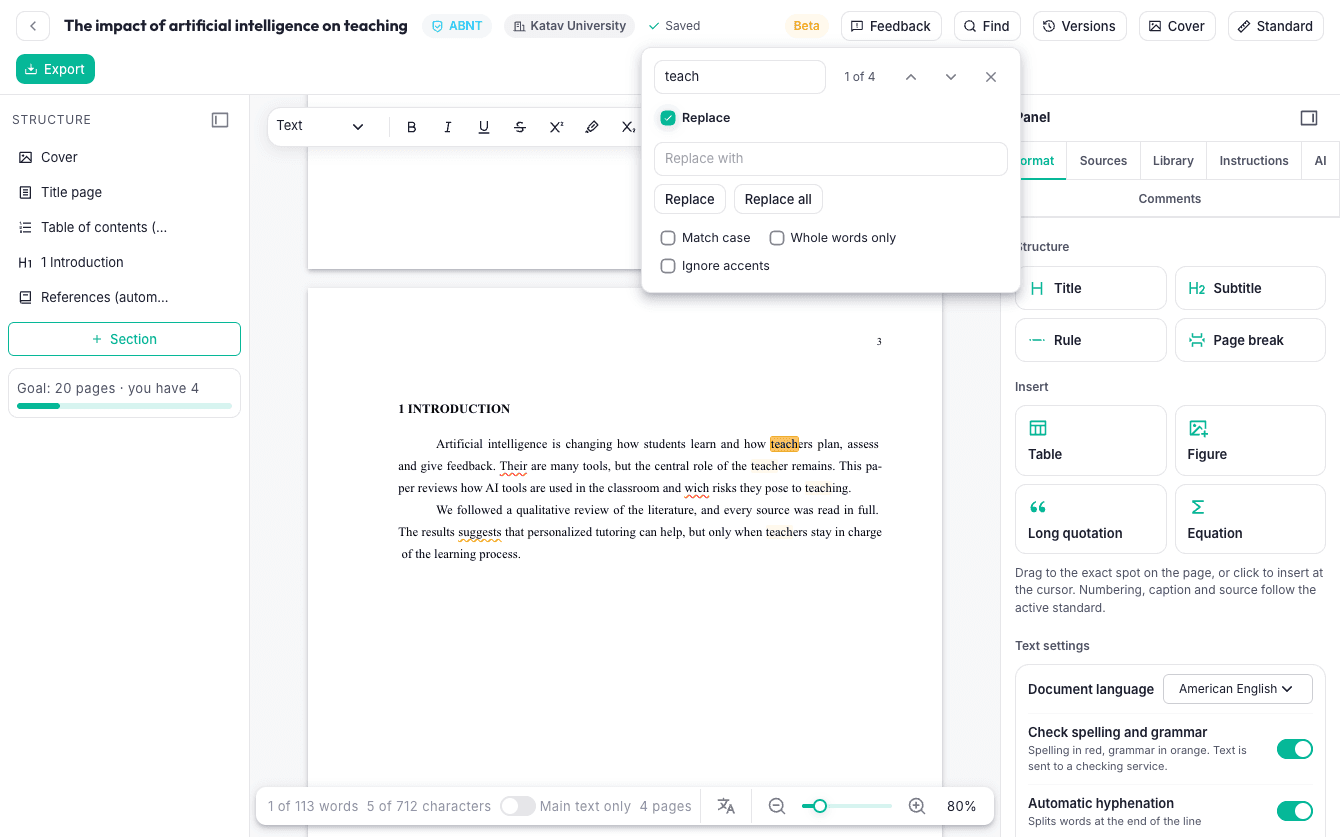
Find and replace, like in Word
Search the whole text, replace one or all, match case, whole words only, ignore accents. The view jumps to each result.
Everything one right click away
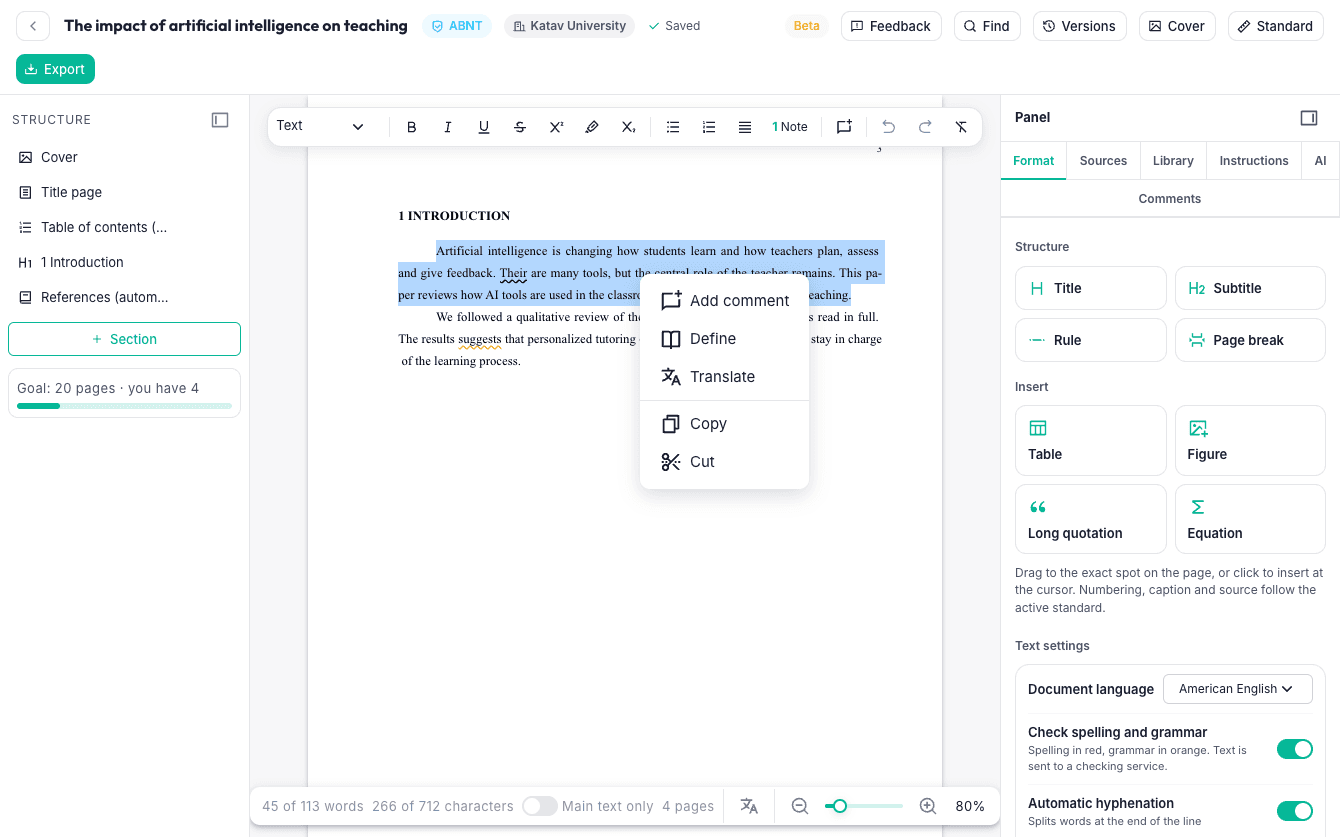
Select a passage and add a comment, define a term, translate it into any of 50 languages, copy or cut. The status bar counts the selected words and characters.
An assistant that never writes for you
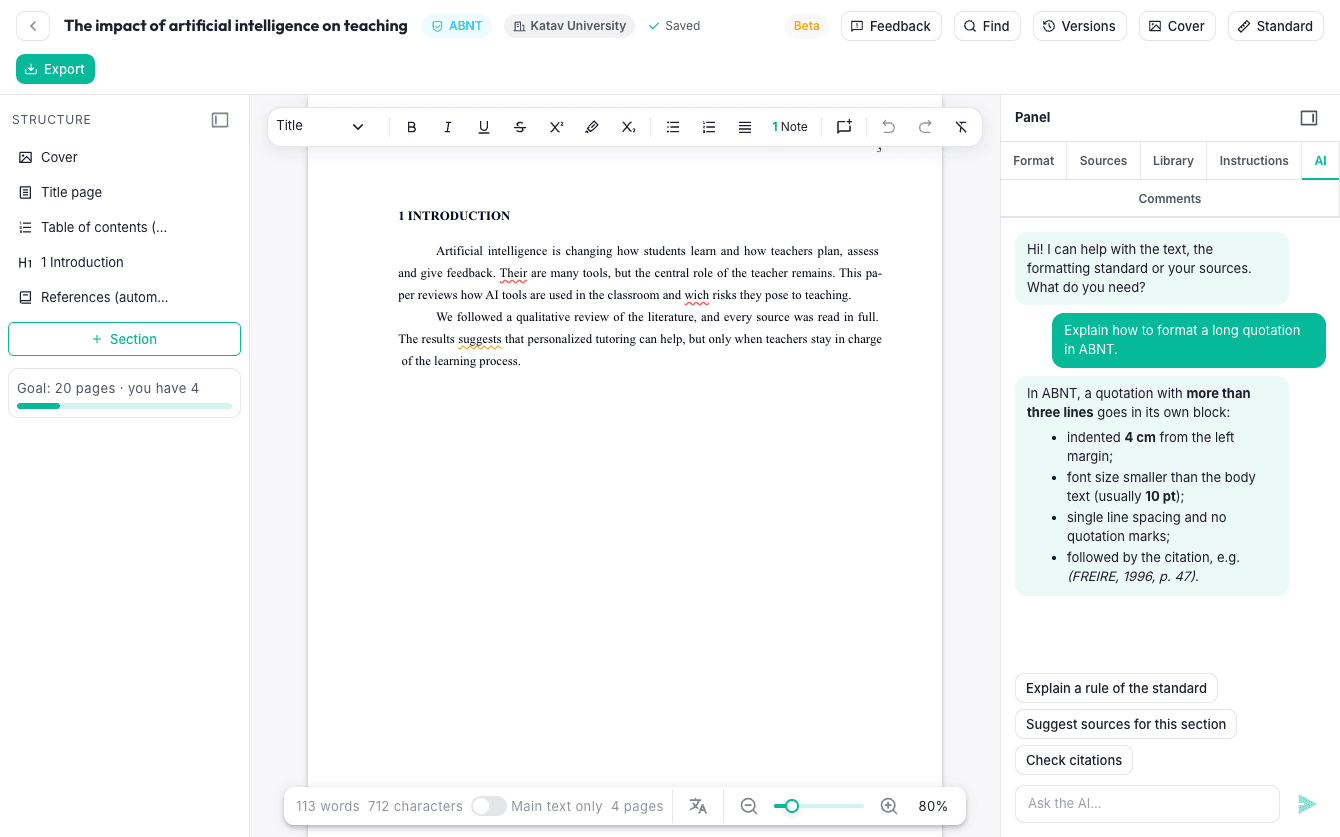
Ask about the standard, get a rule explained, ask for sources to look for. It only suggests; you decide what goes into your paper.
Cover, Word and PDF
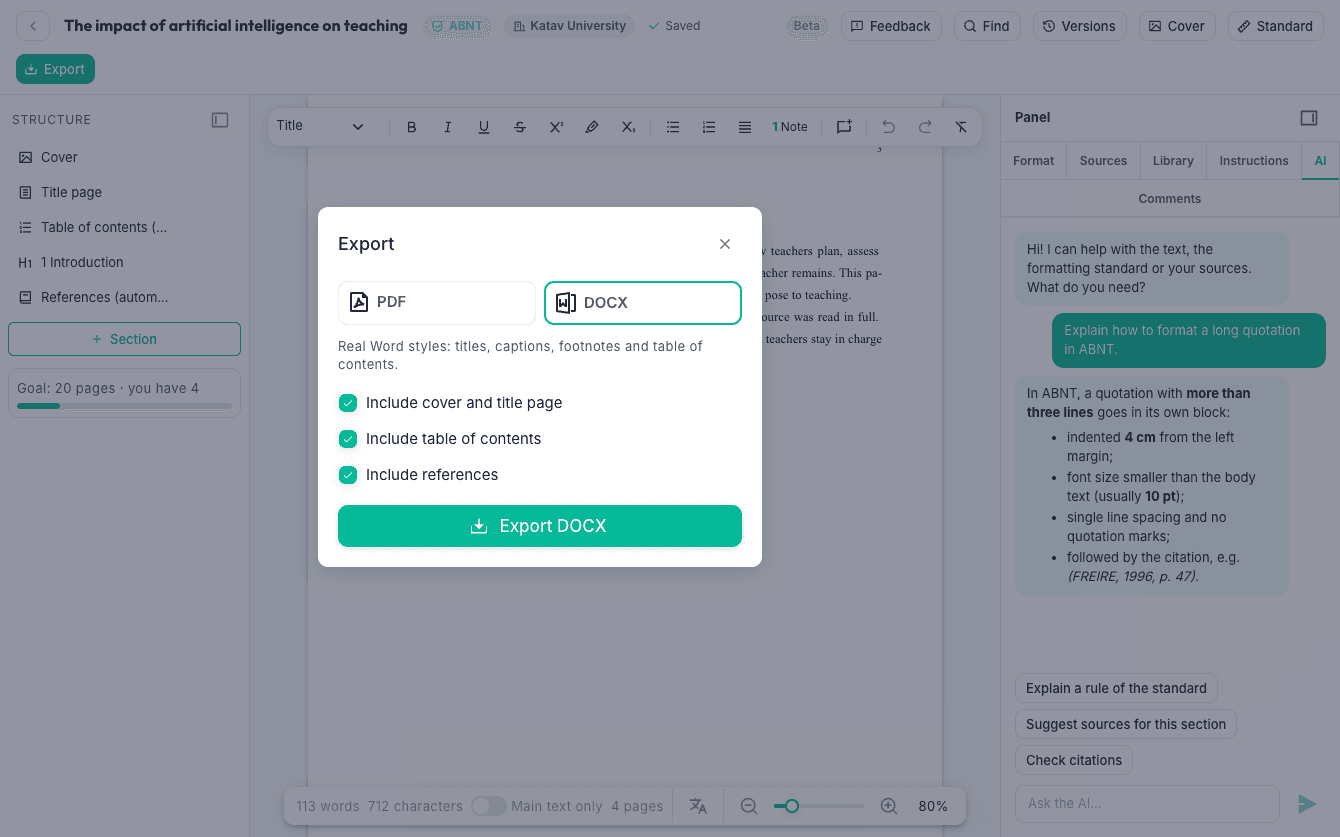
Cover templates for your institution, DOCX with real Word styles, native footnotes and table of contents, or a print-ready PDF. Remove and add pages as you need.
Everything a paper needs, in one place
Built for how students actually write: from the rules of the institution to the last citation.
The right standard, automatically
ABNT, APA, Chicago or your institution's own rules: fonts, margins, spacing, headings, citations and references follow the standard while you write. Build your own rules, or import them from the regulations PDF.
A real page-by-page editor
See the pages as they will print: page numbers, footnotes at the foot of the page that cites them, table of contents, cover and bibliography.
Sources, citations and bibliography
Drag a source into the text, cite with page and prefix, and get the reference list formatted for you, with what is cited and what is not.
Your Library beside the text
Open PDFs, Word and PowerPoint files next to your paper, highlight, and turn a passage into a quote with its citation in one click.
An assistant that never writes for you
Ask about the standard, define or translate a passage, organize your professor's instructions into a checklist and check your paper against it.
Spelling and grammar in 50 languages
Word-style underlines, a personal dictionary, and a language for each passage of the text.
Covers, Word and PDF
Cover templates for your institution, DOCX export with native footnotes and table of contents, or a print-ready PDF.
Autosave and versions
Every change is saved, with a version history you can restore at any time.
One add-on, one price per year
Assignments is an add-on to your Katav plan, available on the web version.
- Every Assignments feature, no limits on works
- Your works stay yours: view and download them any time
- Works with ABNT, APA, Chicago and custom rules
- AI assistant included